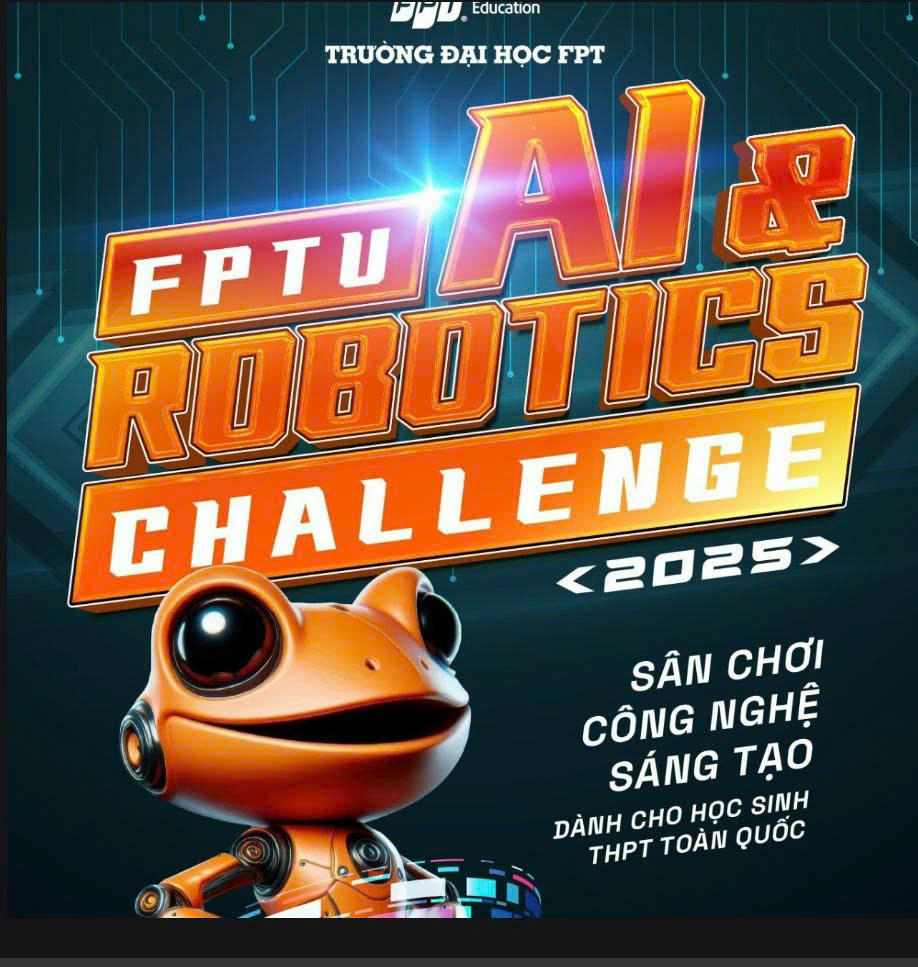
About the challenge
The "challenge" here is multi-faceted and exciting, involving several key aspects to bring your valuable application idea to life:
-
Understanding User Needs Deeply:
- The primary challenge is to truly understand the specific communication barriers and needs of non-verbal students in an academic setting. What are the most frequent situations? What kind_of phrases are most essential? How can the app be most intuitive for them?
- This might involve research, empathy-driven design, and potentially (if feasible and ethical) consultation with target users or educators.
-
Effective Implementation on PartyRock:
- While PartyRock is a "no-code/low-code" platform, the challenge lies in skillfully using its features (widgets, AI model integration like Amazon Polly for TTS) to create a seamless and robust application.
- Designing an effective user interface (UI) and user experience (UX) within PartyRock's capabilities that is accessible and easy to use for individuals who may have other disabilities too.
-
Curating Content:
- Developing a comprehensive yet manageable library of "mẫu câu giao tiếp thông dụng" (common communication phrases) relevant to academic life. This needs careful thought and organization.
- Ensuring the text-to-speech output is natural, clear, and offers appropriate voice/language options (especially Vietnamese).
-
Scope Management:
- Deciding which features are core for an initial version and which can be considered for future enhancements, especially given it's a student project (e.g., multi-language support, advanced customization).
-
Testing and Iteration:
- Planning how to test the application effectively to get meaningful feedback for improvement, especially from the perspective of the target user group.
Successfully navigating these aspects will be key to creating an impactful application.
Get started
Here’s a suggested path to "get started" with building your application on PartyRock:
-
Familiarize Yourself with PartyRock:
- Access PartyRock: Go to the Amazon PartyRock website. (You can search "Amazon PartyRock" to find the latest link).
-
Explore the Platform:
- Sign in or create an account.
- Look at existing example applications built on PartyRock to understand its capabilities and how different widgets work.
- Understand how to add widgets (like text input, button, chat/text generation which can be configured for TTS).
- Learn about integrating AI services – specifically how PartyRock connects to models that can perform Text-to-Speech (like those available through Amazon Bedrock, e.g., Amazon Polly if directly available or by prompting a foundation model).
- Tutorials & Documentation: Look for any tutorials, guides, or documentation provided by Amazon for PartyRock.
-
Start with the Core Feature (Text-to-Speech):
-
Simple TTS: Your first goal could be to create a very basic app:
- A text input field where the user can type.
- A button (e.g., "Speak").
- An output mechanism that takes the text and converts it to audible speech using an available AI model.
- Experiment with different phrasing for your prompts if you are using a foundation model to generate the speech, or configure the TTS widget if PartyRock offers a direct one.
-
Simple TTS: Your first goal could be to create a very basic app:
-
Build Incrementally Based on Your Plan:
-
Pre-set Phrases: Once basic TTS works, think about how to implement the "mẫu câu giao tiếp thông dụng."
- This could be a series of buttons, each triggering a pre-defined text to be spoken.
- Consider how to categorize them if you have many.
- Custom Phrase Saving: Plan how users might save their own common phrases. PartyRock has features for user-generated content and remixing apps, which might be relevant here.
- User Interface: Continuously think about the UI. Make it clean, with large enough buttons/text for easy interaction.
-
Pre-set Phrases: Once basic TTS works, think about how to implement the "mẫu câu giao tiếp thông dụng."
-
Focus on the Vietnamese Language:
- Ensure the TTS capabilities you're leveraging work well with Vietnamese. This might involve selecting appropriate models or configuring settings within PartyRock.
-
Iterate and Test:
- Build a small part, test it yourself, imagine how a target user would interact with it, then refine or add the next part.
- Even simple "role-playing" can help identify usability issues early on.
-
Document Your Process:
- As this is an academic project, keep notes on your design choices, challenges faced, and how you solved them using PartyRock.
Requirements
What to Build
You should build a functional PartyRock application that directly addresses the needs of non-verbal students in an academic environment. Based on your project proposal, this means your application should include:
- Core Text-to-Speech (TTS) Functionality: Users can type text, and the app speaks it out clearly. This is the central feature.
- Pre-defined Common Phrases (Mẫu câu giao tiếp thông dụng): A library of quick-access phrases relevant to student life and academic interactions (e.g., "Tôi muốn hỏi bài," "Cảm ơn," "Tôi cần giúp đỡ," "Xin lỗi, tôi có thể ngồi đây không?"). These should be easily selectable.
- User-Friendly Interface: The design must be simple, intuitive, and accessible, considering the target users might have other disabilities. Think clear labels, logical layout, and easy-to-tap buttons.
- Customization (User-Saved Phrases - if scope allows): The ability for users to create, save, and easily access their own frequently used phrases.
- Language Support: Primarily Vietnamese TTS. If you planned for bilingual (Vietnamese-English), ensure that is functional.
In essence, build the application you described in your project proposal, focusing on the key features that provide the most value to the target users.
What to Submit
Typically, for a project or challenge submission, you would need to provide:
- A Link to Your PartyRock Application: This is the most crucial part – a public or shareable link so judges/reviewers can access and test your live application.
- Project Description/Documentation (often called a "ReadMe" or a short report):
- Project Title: Your application's name.
- Problem Statement: Briefly describe the problem your app solves (i.e., communication challenges for non-verbal students).
- Solution: Explain how your app addresses this problem. Describe its main features and how they work.
- Target Users: Clearly define who the app is for.
- Technology Used: Mention it's built on PartyRock and any specific AI models/APIs leveraged (e.g., Amazon Polly for TTS if directly configured, or the general model used via PartyRock).
- How to Use: Simple instructions on how to navigate and use your app's features.
- Challenges Faced (Optional but good): Briefly discuss any technical or design challenges you overcame.
- Future Improvements (Optional): Ideas for making the app even better.
- Video Demonstration (Often required or highly recommended):
- A short video (e.g., 2-5 minutes) showcasing your app in action.
- Walk through the main features: typing text for TTS, using pre-set phrases, saving custom phrases (if implemented).
- Explain the benefits for the user as you demonstrate.
- Source Code (If applicable/requested): For PartyRock, this is usually just the link to the app itself, as it's a no-code/low-code platform. However, if you used any custom scripts or external integrations (unlikely for a pure PartyRock app in this context), you might need to mention them.
- Your Contact Information/Team Details.
Prizes
khác
tiền và giải thưởng
Devpost Achievements
Submitting to this hackathon could earn you:
Judges

Gkhanh
Judging Criteria
-
Gkhanh
Questions? Email the hackathon manager
Tell your friends
This site is protected by reCAPTCHA and the Google Privacy Policy and Terms of Service apply.